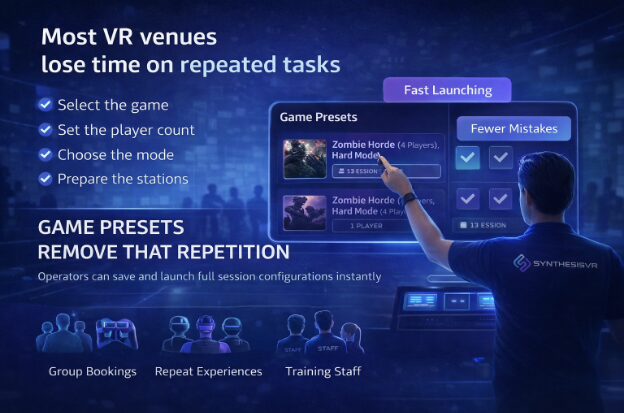
Every venue running VR attractions has tasks that repeat throughout the day.
Whether it is a VR arcade, family entertainment center, or a restaurant offering VR experiences, staff regularly prepare the same session configurations for different guests.
- Selecting the game
- Adjusting player count
- Choosing the correct mode
- Preparing stations
Each step takes only a moment, but across dozens of sessions it becomes part of the operational workload. During busy hours, even small preparation steps slow down turnover and increase the chance of mistakes.
Game Presets were created to remove this repetition.
Preparing a Session Once Instead of Every Time
Game Presets allow operators to save a full launch configuration and reuse it instantly.
A preset can include any parameters supported by the title, such as player count, game mode, difficulty, session settings, and operator-defined details like prepared player names.
Instead of configuring the experience before every group, staff select the preset and launch the session with the intended setup already applied.
The action is simple, but the effect is operational.
The session becomes prepared in advance rather than assembled at the counter.
For configuration instructions, operators can follow the guide:
How to Create Game Presets
Designed for LBE Venue Workflows
In practice, many sessions repeat throughout the day. A venue may run the same cooperative mode, tournament setup, or group experience dozens of times.
Presets allow staff to focus on guests instead of remembering configuration details.
- New employees can operate sessions confidently
- Busy periods require less supervision
- Prepared player names and stations reduce setup time
This is especially useful for group visits, parties, and standalone headset events where preparation time is limited and sessions must start on schedule.
Consistency Customers Can Feel
Beyond speed, presets improve reliability.
The experience sold to the customer matches the experience delivered
Groups receive identical gameplay across visits
Multi-station launches remain synchronized
Small configuration differences are often unnoticed by staff but obvious to players. Standardized launches prevent these inconsistencies and reduce support interruptions during operation.
A Foundation for Automated Operations
Presets also function as predefined launch instructions inside the Local Manager.
Because the configuration is already defined, external workflows can trigger the correct experience automatically. A booking or scheduling system can prepare the session at the start time without manual interaction.
For venues scaling to higher throughput, this removes repeated staff actions from the launch process and turns session preparation into a predictable step within the overall operation.
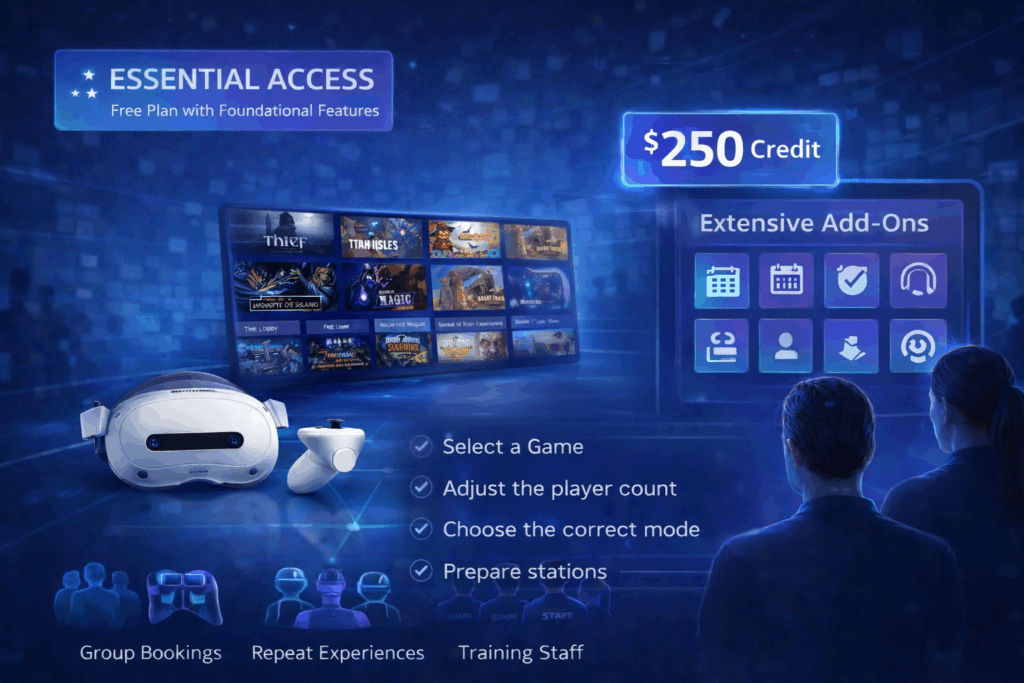
Available in Essential Access
Game Presets are included in the Essential Access plan.
Essential Access provides access to the SynthesisVR platform without a monthly commitment, allowing venues to operate real sessions while evaluating workflows in their own environment. The included $250 software credit can be applied toward additional features as needed, making it possible to test operational tools before deciding how the system should be configured long term.
This approach is useful both for new venues validating VR as an attraction and for existing operators comparing operational workflows during a potential migration.
Many operators initially focus on installing stations and content, and only later realize presets can simplify daily operation.
Try It in Your Venue
Operators interested in simplifying session preparation can activate Essential Access and build their own preset-based workflow. Contact SynthesisVR to request a trial and test it in your venue.