Part of the series: From First Headset to Fully Operational VR Arena
Week 4 introduced the CapEx vs OpEx lens and made the case that the most expensive thing about a VR arena is rarely what’s on the purchase order. Dead zones, drift complaints, and sessions that fall apart mid-run belong in that same category. They look like technical problems. In most venues, they are design problems that never got identified as such.
This week covers the physical space itself: what inside-out tracking actually needs from your environment, how floor plan decisions affect VR arcade throughput, and why WiFi placement follows player movement, not cable runs.
The Room Is Part of the System
Most operators think about their arena as the container the experience lives in. A clean floor plan, clear sightlines, enough room to move. That mental model is a good start, but it misses something important.
The headset is not a self-contained unit. It is constantly reading the room. Enterprise standalone headsets like the PICO 4 Ultra Enterprise use inside-out tracking: onboard cameras build a visual map of the surrounding environment in real time using a technique called visual simultaneous localization and mapping, or vSLAM. The headset estimates its own position based on how that map compares to what the cameras are currently seeing. When the map is clear and stable, tracking is reliable. When the room gives the cameras nothing useful to work with, accuracy degrades.
This is the mechanism behind most dead zones. It is not a router problem. It is not a headset defect. The room stopped giving the tracking system what it needed.
What vSLAM Needs from Your Walls
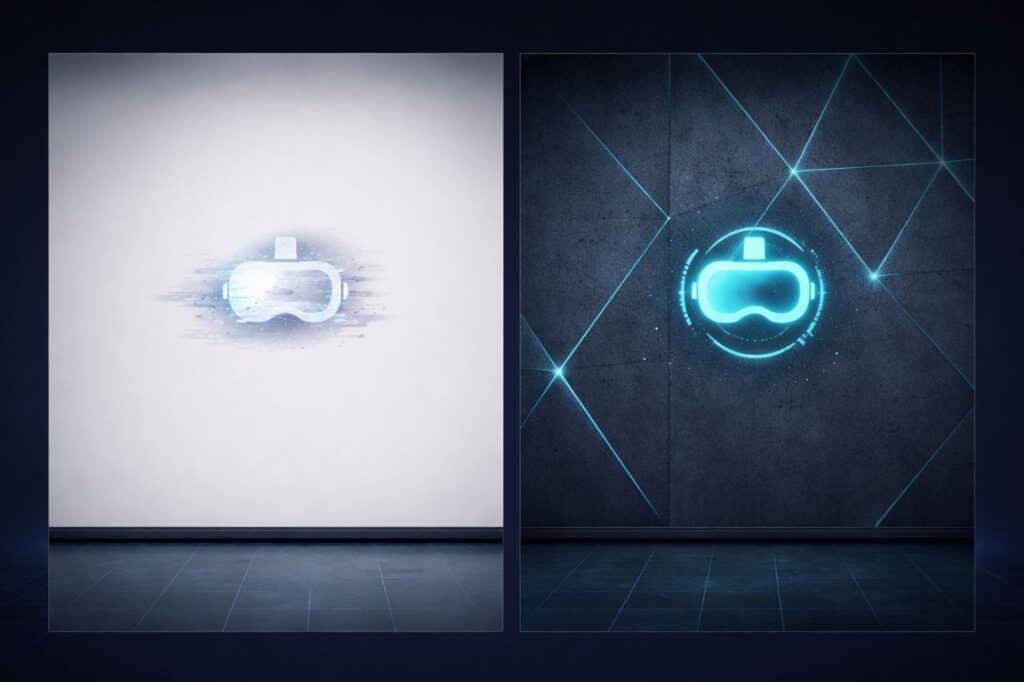
Inside-out tracking can struggle in featureless environments. When surfaces lack texture, contrast, or visual landmarks, the system has nothing to anchor position to, and the estimated pose becomes inaccurate. In scenarios with sufficient environmental texture, vSLAM performs reliably. Featureless surfaces consistently cause large positional drift.
The practical translation: plain painted walls are a tracking liability. A flat, uniform surface in a single color gives the headset cameras almost nothing to distinguish one section from another. Operators who have added texture, murals, decals, or even simple geometric patterns to previously blank walls have reported measurable stability improvements without any hardware changes.
Reflective surfaces create a different problem. Both laser-based and camera-based tracking systems are susceptible to reflections. When headset cameras see a reflection of tracking features, the system can confuse the reflected image for a real one. Mirrored panels, high-gloss flooring, and large glass surfaces are among the most frequently reported causes of sudden tracking failure in commercial free roam setups. Covering or removing reflective surfaces is one of the most effective first steps when diagnosing persistent drift complaints that have no obvious technical source.
Lighting matters too, though it is often overlooked at the design stage. Inside-out tracking relies on optical clarity. Extreme variance between bright and dark zones in the same space, strobing effects, or under-lit sections all degrade what the cameras can reliably read.
The design principle: Treat your walls as a data source for your hardware. Visual diversity, consistent lighting, and non-reflective surfaces are not just aesthetic choices. They are tracking inputs.
Floor Size, Game Compatibility, and Throughput
There are no universal standards for free roam arena sizing. The right footprint depends on the content you plan to run and the throughput you need to build a business around.
Most commercial free roam experiences are designed for arenas ranging from roughly 280 to 1,000 square feet (26 to 93 sq m). The most common configurations used by LBE operators are 20×20, 20×30, and 33×33 feet (6×6m, 6×9m, and 10×10m). As a rough guide, 400 square feet (37 sq m) supports approximately four players comfortably, 600 square feet (56 sq m) accommodates six, and 1,000 square feet (93 sq m) opens up groups of ten. These are planning benchmarks, not hard rules; actual capacity depends on the specific game’s minimum and maximum arena parameters.
That range is also shifting. A new generation of titles is designed to run in spaces as compact as 5×5 meters (16×16 feet), and developers are actively working to support six or more players within those smaller footprints. The driver is ROI, more players per session in less square footage. What this means in practice is that arena size alone is no longer the primary planning variable. The game determines the minimum, and the operator’s revenue model determines the target. Both need to be considered together before a layout is treated as final.
The more important question is whether your floor plan was designed around how players actually move, or just how many players can fit. These are not the same thing.
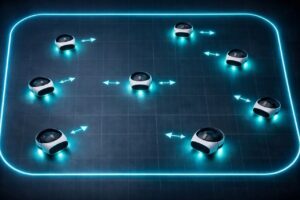
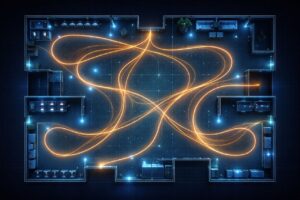
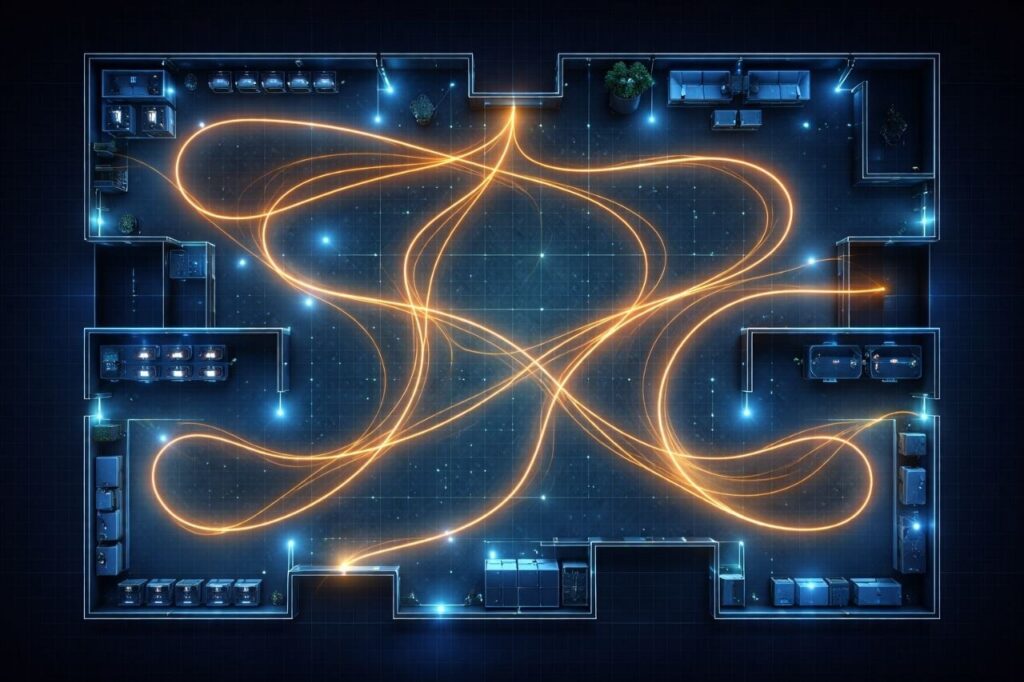
In a typical free roam session, players do not distribute evenly across the space. They cluster toward the action, pull toward certain zones based on in-game objectives, and move in patterns the game design creates. An open, unobstructed floor plan is the baseline requirement. Columns, pillars, protruding fixtures, and any physical obstacle that breaks up the play area create disruption that software cannot compensate for. Players will not see them once the headset is on, and the game cannot be customized around them. The play space needs to be genuinely clear, not just large enough on paper.
Game-specific minimum arena sizes are a starting point, not a performance guarantee. A layout that meets the square footage requirement but includes obstructions, awkward proportions, or sightline breaks will underperform a smaller, fully open space. Test the actual movement paths a title creates before treating any configuration as final.
The staging area deserves as much planning attention as the play space. Equipment fitting, briefings, and gear distribution all happen before a session starts. Research across LBE deployments suggests that around 90% of participants need some level of guidance adjusting their headset fit, which means the donning area is not a waiting room. It is an active operational zone. Compressing it or treating it as leftover space from the play area consistently creates throughput friction that shows up as slower group turnover, not hardware failure.
WiFi: The Infrastructure Decision Most Operators Make Once and Regret
Wireless network design in a free roam arena is one of the decisions that gets made during buildout, rarely revisited, and frequently blamed for problems it only partially caused.
A headset running at 72 frames per second needs a new frame rendered approximately every 13.8 milliseconds. Latency above 30 milliseconds causes visible stutters, synchronization issues between players, and nausea. In a well-configured venue, most headsets operate at 40 to 50 milliseconds. In a poorly configured one, latency above 100 milliseconds is common, and at that level the experience is functionally unplayable.
Frequency band matters. The 2.4 GHz band should be avoided for VR headsets. It has only three non-overlapping channels, is heavily congested in most commercial environments, and cannot reliably support simultaneous headset traffic. 5 GHz is the working standard for most commercial VR installations. 6 GHz, available on Wi-Fi 6E and Wi-Fi 7 hardware, offers the cleanest spectrum currently available with wider channels and minimal interference and it is the recommended band for free roam deployments. The PICO 4 Ultra Enterprise supports Wi-Fi 7, which operates on the 6 GHz band and is the current best option for LBE VR environments running multiple simultaneous headsets.
One important physical limitation of 6 GHz to plan around: it does not penetrate walls well. Its effective range drops significantly the moment a solid obstacle breaks the signal path. In a single open play space, which is exactly what a free roam arena should be, this is not a problem. Line of sight between the AP and the headset is what 6 GHz needs, and an open arena provides it. This is another reason obstructions in the play space are an infrastructure problem, not just a safety one.
On the guest and staff network: keep it completely separate and on a different band. Assigning guest WiFi and mobile devices to 2.4 GHz keeps that traffic off the headset network entirely and prevents it from competing for the spectrum where your headsets are operating.
Access point (AP) count matters. For PCVR setups where the headset is streaming rendered frames from a PC over WiFi, bandwidth demand per headset is high. In those configurations, most venues find that two to three headsets per access point is a practical ceiling for stable performance, and a 10-headset PCVR arena needs multiple APs configured correctly.
Standalone headsets like the PICO 4 Ultra Enterprise operate differently. Games run locally on the device; WiFi is used for session coordination, multiplayer state sync, and platform connectivity not to stream video frames. The bandwidth requirement per headset is significantly lower. A well-configured router or access point can handle considerably more standalone headsets than PCVR headsets on the same hardware. That said, AP count still matters for coverage and roaming, just not for raw bandwidth reasons.
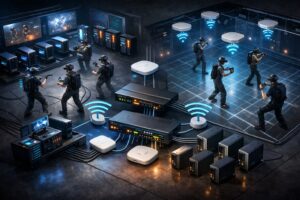
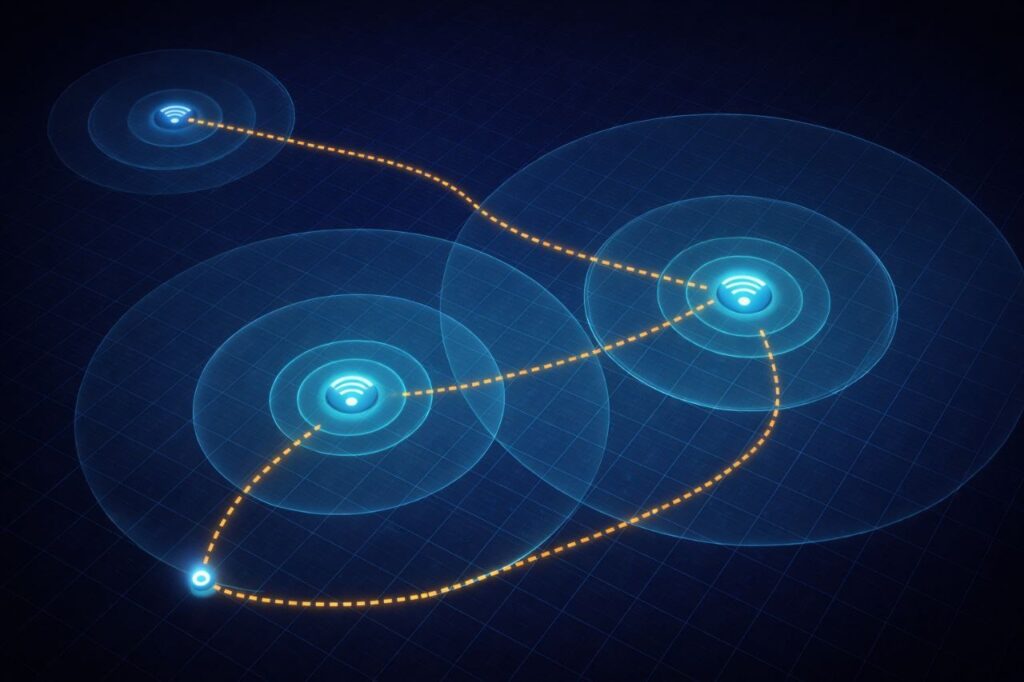
Access point placement matters most. This is where the design failure pattern shows up most clearly. APs are typically placed where cable runs are easiest, ceiling center, near the network closet, along perimeter walls in convenient locations. In most arenas, that placement does not reflect where players actually spend time during a session.
Ceiling-mounted APs at 3 to 4 meters (10 to 13 feet) height, spaced 10 to 15 meters (33 to 50 feet) apart based on actual movement density in the space, consistently outperform the same hardware placed for convenience. For 6GHz deployments specifically, line of sight between the AP and the headset is critical. Because 6GHz does not travel well through obstacles, APs should be positioned to maintain a clear signal path across the entire play area, which again reinforces why an open, unobstructed floor plan is a network decision as much as a design one. Disabling 2.4 GHz entirely on the headset network removes a common source of interference.
One underdiagnosed issue in multi-AP arenas is what network engineers call sticky clients. A headset that connects to an access point at the start of a session may hold that connection even as the player moves to the opposite corner of the arena, where a different AP would provide a significantly better signal. The headset does not automatically roam to the closer AP; it maintains the original connection until signal degrades severely. Fast roaming settings on managed network hardware address this directly. Without it, the AP placement plan does not matter as much as expected because headsets are not using it correctly.
The summary: dead zones that appear midway through a session, in the back corner of the arena, or in specific clusters are often sticky client problems, not coverage problems. The fix is a configuration change, not a hardware purchase.
Why Dead Zones Are Almost Always Design Failures
The three causes above, featureless tracking environments, floor plans that ignore player movement, and WiFi networks placed for construction convenience rather than operational reality, rarely show up as a single dramatic failure. They compound.
An arena with adequate square footage, enterprise hardware, and a well-configured game library can still produce consistent dead zone complaints because a uniform white wall sits along the path players walk most often. Or because the two strongest access points are on the same side of the space. Or because the staging area is too small and groups arrive flustered, with headsets adjusted poorly, blaming the experience for what was actually a fit problem.
None of these appear on a spec sheet. None of them show up in the hardware purchase decision. All of them are design choices that compound daily into OpEx pressure, reduced VR arcade throughput, and the kind of LBE VR operations friction that feels impossible to trace back to a single cause.
The good news is that most of them are fixable without replacing hardware. Visual texture on walls costs almost nothing. AP repositioning is a few hours of work. Staging area layout can be reconsidered without a full renovation. The operational return on fixing them correctly tends to be immediate.
Saving Validated Configurations with Environment Profiles
Once a layout is performing well, whether that is a specific boundary configuration, AP placement, and room setup combination that produces consistent session quality, it should not live only in a team member’s memory.
SynthesisVR’s Environment Profiles feature lets operators store validated arena boundary configurations and swap between them without redrawing from scratch. For venues running multiple experience types with different space requirements, or operators managing more than one physical location, this turns a stable layout into a reusable operational asset. It is one of the ways the SynthesisVR venue management platform removes the manual layer from decisions that would otherwise depend entirely on institutional memory.
The technical layer that Week 3 covered, PICO 4 Ultra Enterprise’s boundary sharing and map distribution across a headset fleet, is what makes this practical at scale. Define the boundary once in a configuration that works, store it, and deploy it consistently. If a session issue surfaces later, the baseline configuration is recoverable.
Coming Up in Week 6
Space design determines what is possible. Network infrastructure determines how consistently you can deliver it. The next week looks at the content layer: what makes a free roam title work as a commercial product, how session length and player count interact with your floor plan decisions, and how operators build a content rotation that serves retention without requiring constant new investment.
SynthesisVR is trusted by 600+ locations worldwide. Built by operators, for operators. Contact usto schedule a demo call at your convenience.